
Website Redesign Checklist Before You Hire
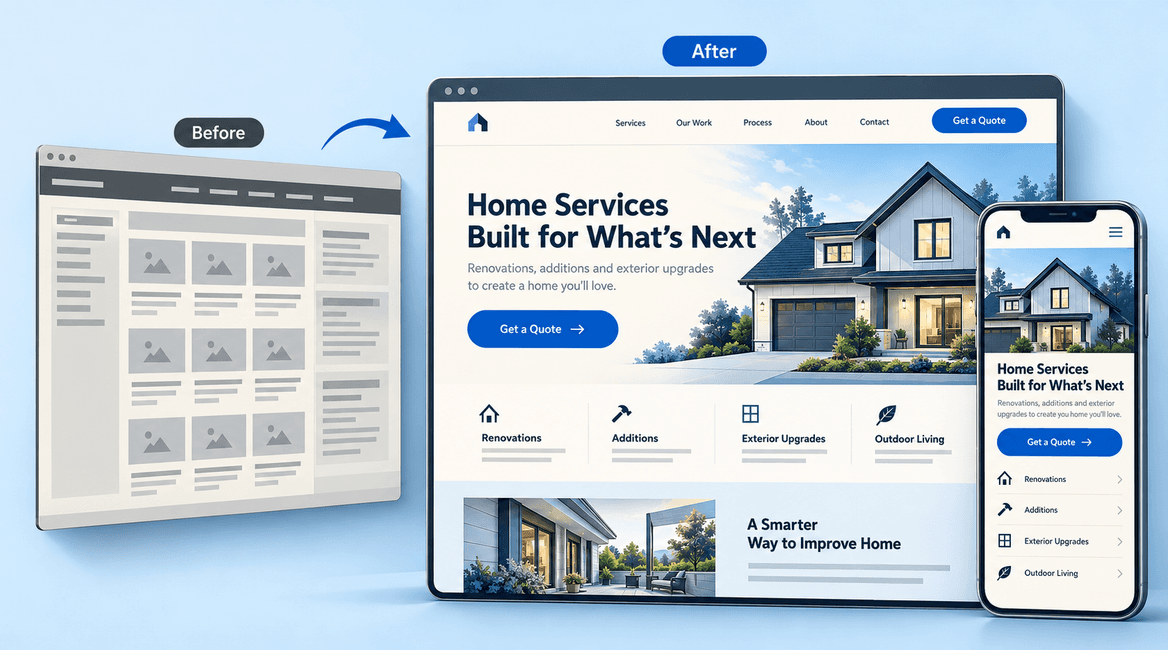
A website redesign checklist should start with what the business needs the site to do. A new visual style can help, but it will not fix an unclear offer, an unanswered inquiry, or a form that sends information to the wrong place.
Before hiring a developer, assemble the decisions, content, and access that shape the project. This guide helps you prepare a brief, compare proposals, and plan a launch that preserves the useful parts of your current website.
A redesign is easier to scope when every important page has a purpose, an owner, and a next action for the visitor.

Plan the Work Before Choosing a New Design
1. Define the outcome and record a baseline
Choose specific problems to solve. A local service company might need more relevant quote requests, fewer inquiries outside its service area, and an easier way for staff to update service pages. These are more useful goals than “make it modern.”
Record what you can measure today: completed inquiries, calls where tracking is available, common customer questions, important landing pages, and known form failures. Keep definitions consistent after launch. A visual redesign alone cannot guarantee more traffic or sales.
2. Inventory the pages and content you already have
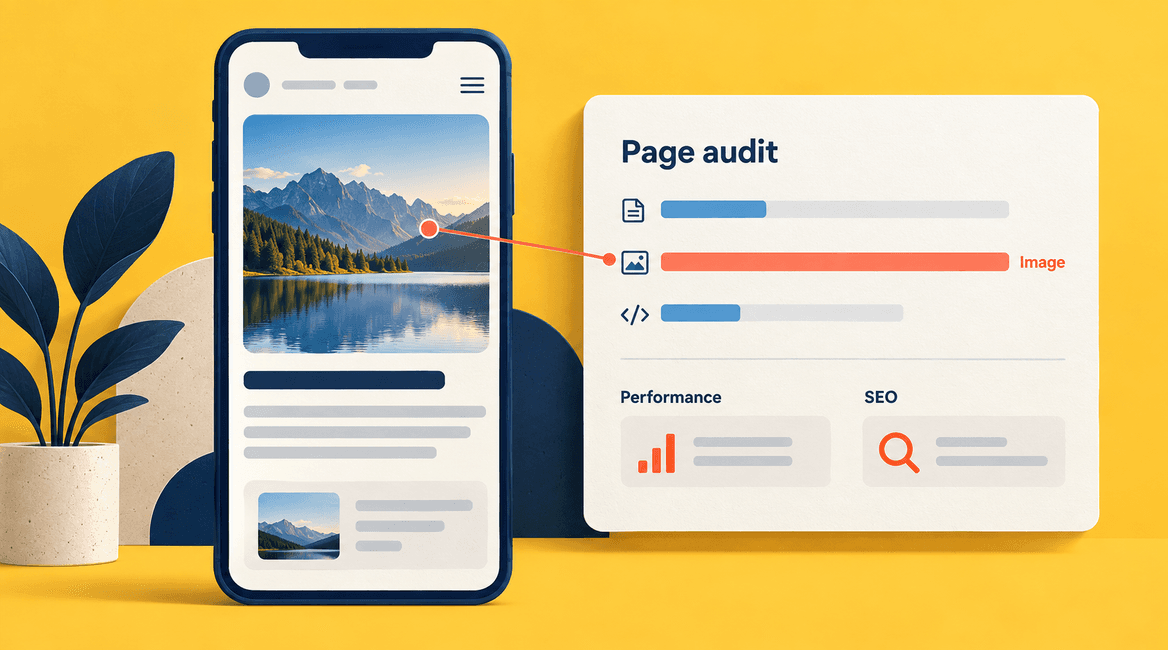
List current URLs, page purpose, content owner, and whether each page should be kept, improved, merged, or retired. Include downloads, campaign pages, and content that is not linked from the main navigation. Review which pages attract visitors or help customers decide.
Collect approved logos, photography, service descriptions, testimonials you have permission to use, and contact details. Decide who will write missing material and when it is due. A proposal that assumes finished copy is different from one that includes content planning and writing.
3. Map the visitor's main journeys
Write down the questions a visitor needs answered before taking action. For a service inquiry, those might be: Do you handle my type of work? Do you serve my area? What information should I send? What happens after I submit?
Build navigation and page hierarchy around those questions. Give each key page a clear next step. Avoid turning every page into a collection of equal-weight buttons. Ask the developer to show how the proposed structure works before detailed visual styling begins.
4. Treat mobile usability and accessibility as requirements
Test the current site on the devices your visitors use. Note small text, difficult menus, overlapping elements, and forms that are hard to complete. The redesigned version should support the complete task on a phone, including helpful errors and confirmation that a request was received.
Include readable contrast, labeled form fields, keyboard navigation, visible focus, meaningful image descriptions, and sensible heading order in the review plan. Agree on the accessibility target and who will evaluate it. Automated checks are useful, but a person should also try the actual user journeys.
5. Document every integration
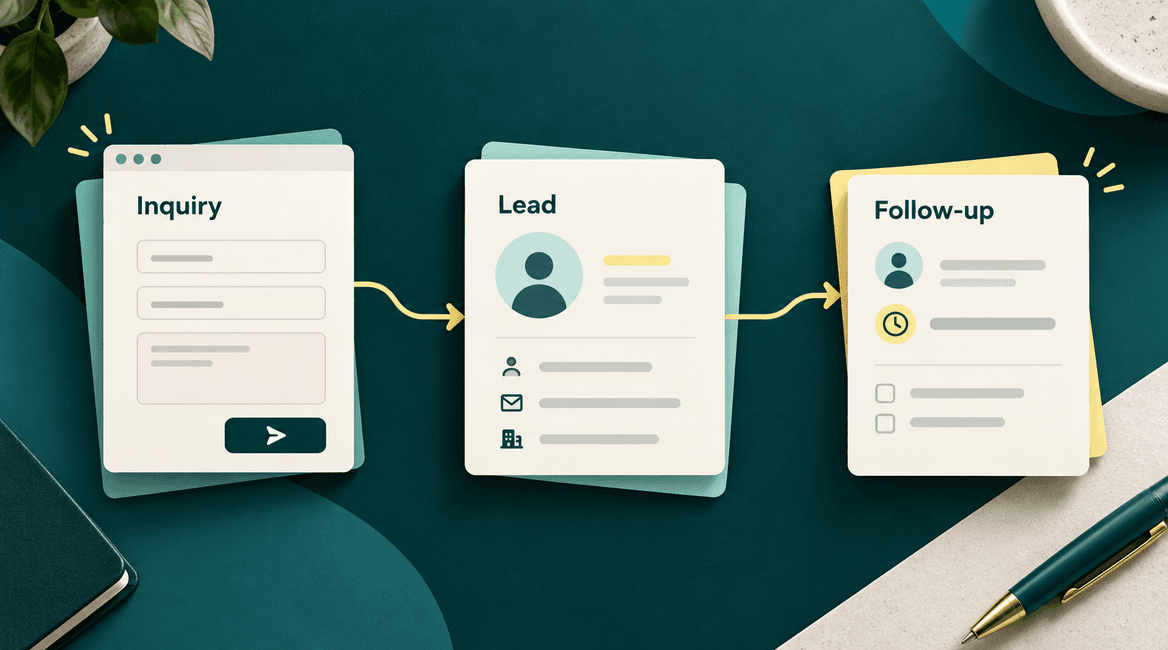
List contact forms, CRM connections, booking tools, email services, analytics, payment flows, and embedded third-party content. Record who owns the accounts, what information is exchanged, and how staff know if something fails.
A form confirmation should not be the only test. Submit a realistic inquiry and verify that the correct details reach the right staff member or CRM record. Identify recurring fees and any provider limitations before choosing replacement tools.
6. Make a plan for existing URLs and search traffic
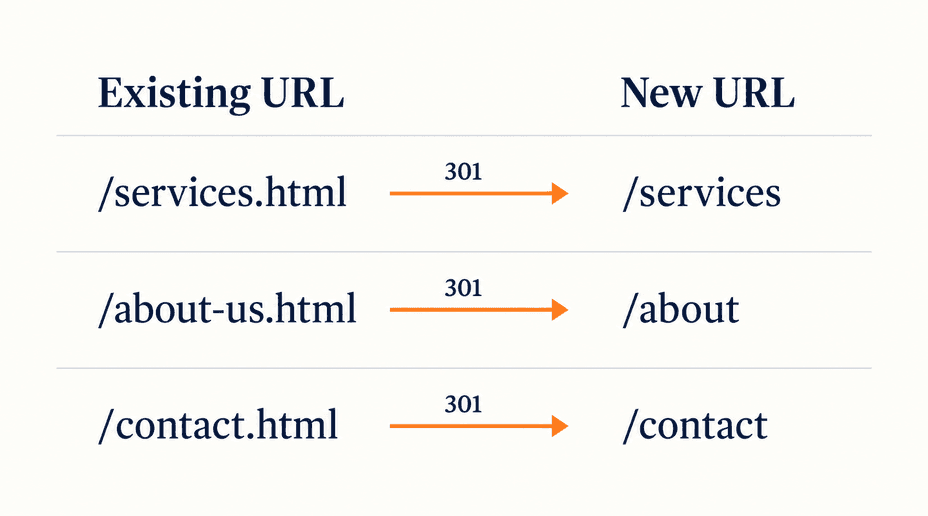
Preserve useful page addresses where practical. When a URL must change, record the old address and its most relevant new destination. Google recommends mapping old URLs to their replacements, updating internal links, and configuring appropriate redirects during a site move. Its site-migration guidance also explains that rankings can fluctuate while pages are recrawled and reindexed.
Do not send every retired service page to the home page merely to avoid an error. Decide whether there is a genuinely relevant replacement. Include page titles, descriptions, canonical URLs, sitemaps, and image or download locations in the migration review. Assign someone to check indexing settings so staging restrictions are not accidentally carried into launch.
7. Choose how staff will manage the site
Identify who needs to edit services, team profiles, case studies, and articles. Ask to see those editing tasks in the proposed content management system. A flexible design can still be frustrating if routine updates require a developer.
Clarify permissions, preview, approval, and training. Confirm that your business will control the domain, hosting, analytics, and content accounts. Include a handover list and decide who is responsible for maintenance after the redesign is complete.
8. Agree on scope, reviews, and launch responsibilities
Define the page templates and special functionality, not just a page count. Ten pages using one template are a different project from ten distinct interactive layouts. State how many review rounds are included and how additional requests will be assessed.
Schedule feedback and content deadlines, and appoint one person to consolidate decisions. Set launch acceptance criteria, a backup and rollback plan, and a window when the necessary people are available. The launch owner should know who can fix a form, a hosting problem, or an unexpected content issue.
A Website Redesign Checklist You Can Use in Your Brief
- Business goals and baseline measures are written down.
- Current pages, downloads, and important incoming links are inventoried.
- Each key page has a purpose, audience, content owner, and next action.
- Copy, photography, and approvals have owners and realistic due dates.
- Mobile and accessibility requirements are included in acceptance checks.
- Forms, CRM, booking, analytics, and other integrations have been mapped.
- Changed URLs have relevant destinations and a redirect review plan.
- Account ownership, editing permissions, training, and maintenance are agreed.
- Launch checks, monitoring, backup, rollback, and responsible people are documented.
Verify the Whole Journey at Launch
Use a short launch checklist that someone can actually execute. Open important pages on supported phones and desktops. Submit each type of form. Confirm notifications, CRM records, and analytics events. Check old URLs that received traffic, remove unintended indexing restrictions, and inspect broken links and missing assets.
After launch, compare results against the baseline over a meaningful period, accounting for seasonal demand or campaign changes. Track errors and lost inquiries immediately; do not wait for a monthly report to discover that a form is disconnected.
DevConex works with businesses on website planning and development. Share your current site and redesign goals to discuss the scope, content, and integrations the project needs. If you are comparing teams, use our development-partner questions alongside this checklist.
FAQs
Should we rewrite all the content during a redesign?
Review all important content, but keep material that is accurate and useful. Rewrite or reorganize pages where the offer, audience, or purpose has changed. Avoid deleting helpful pages simply because they do not fit the first design concept.
Will a redesign improve our search rankings?
A redesign can address usability and technical problems, but higher rankings are not guaranteed. Protect relevant content and URLs, plan changes carefully, and monitor performance after launch. Ask for specific work and measures rather than a blanket ranking promise.
What usually delays a redesign?
Common sources of delay include missing content, slow approvals, unavailable account access, and changing requirements. Identify those dependencies early and include them in the delivery plan rather than treating them as developer tasks by default.
Do we need a new platform?
Only if the current platform cannot reasonably support your editing, integration, performance, or maintenance needs. Ask whether improvements to the existing setup would meet the goals before committing to a full migration.