
How to Build an AI Chatbot for Your Website
A website chatbot should help a visitor finish a task: find a service, understand a return policy, or locate the right instructions. Putting a chat box on a page is easy. Making its answers dependable requires decisions about content, permissions, unanswered questions, and who maintains it.
This guide explains how to build an AI chatbot for your website using an existing language model and approved business content. The worked example is a hypothetical equipment supplier whose visitors ask about delivery, product compatibility, and installation. Its first version answers public questions; it cannot place orders or access customer accounts.
Start with a narrow job and a way to measure whether it works. A chatbot that handles a few important questions reliably is more useful than one that sounds confident about everything.
The fallback answer is part of the product. Decide what happens when the evidence runs out before you design the welcome message.

Start with the questions visitors actually need answered
1. Define a useful first version
Collect questions from site search, contact forms, support conversations you are authorized to use, and the sales team. Group them by the action the visitor wants to take. Our equipment supplier might choose delivery coverage, installation preparation, and finding the correct product manual. Individual order status stays outside the initial scope because it needs authenticated access to a separate system.
Write an acceptance example for each group. “Find the installation guide for product X and link to it” is testable. “Be a helpful assistant” is not. Also list prohibited promises: delivery dates absent from the source, unsupported compatibility claims, and discounts the business has not authorized.
2. Choose an embed or a custom implementation
A managed chatbot can be appropriate when public website questions, a standard widget, and a basic handoff cover the job. Evaluate whether it lets you select sources, remove obsolete content, inspect failed conversations, export configuration, and control data handling. Test it with your own difficult questions before selecting a plan.
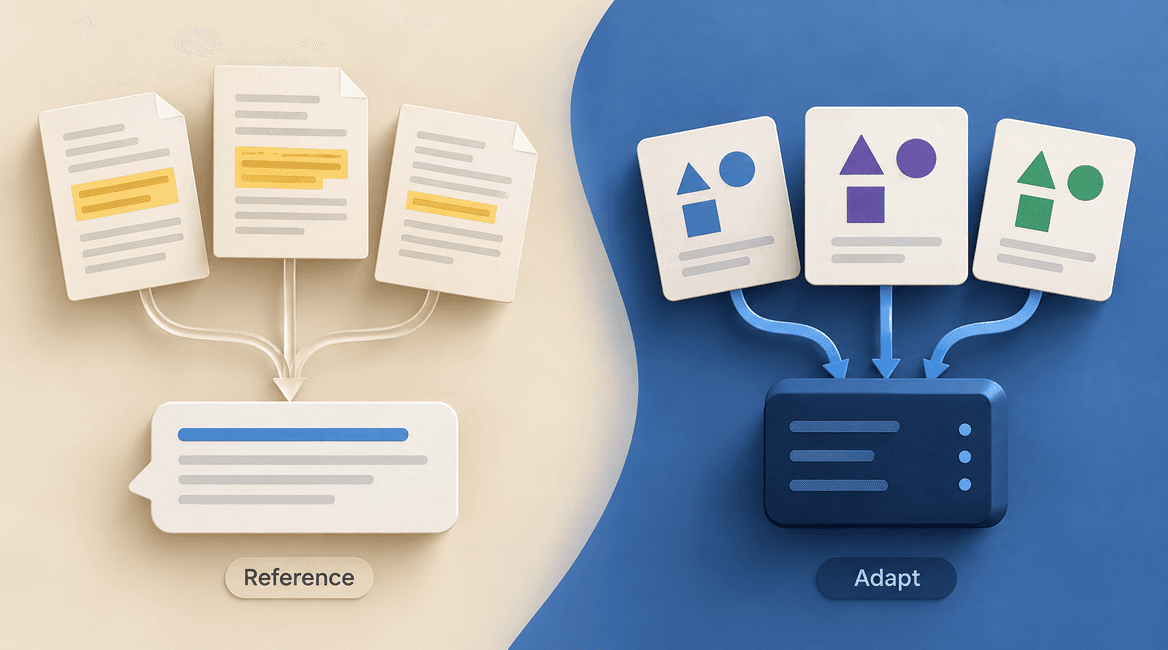
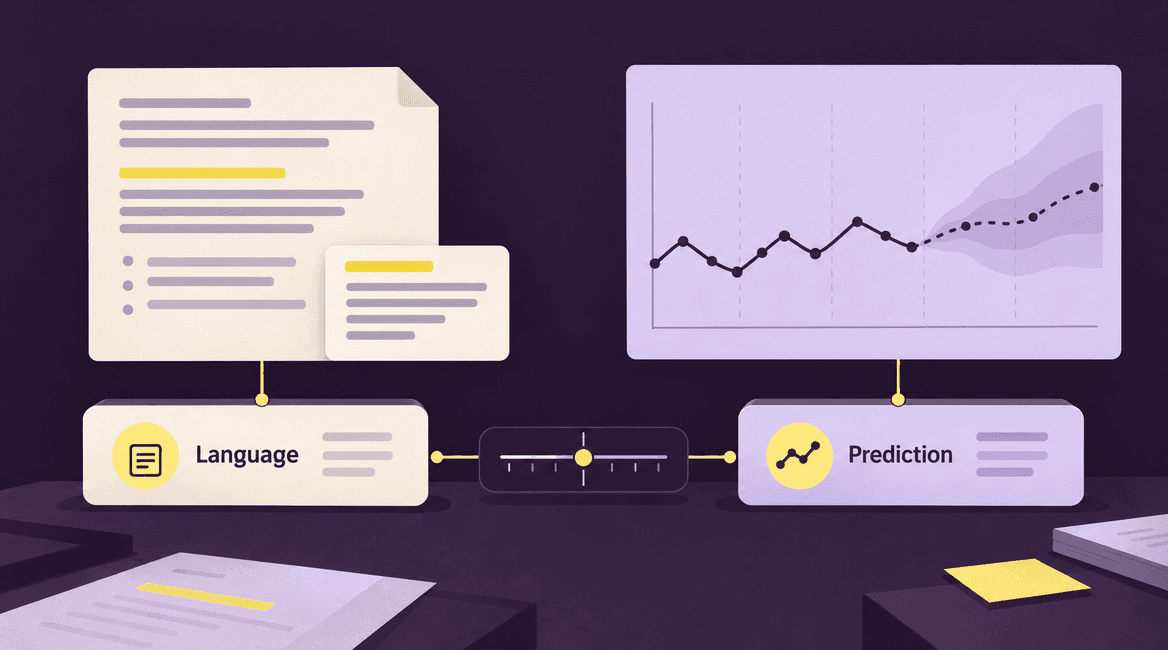
A custom implementation becomes useful when answers depend on application permissions, specialized content retrieval, an existing support workflow, or a tailored interface. It still usually calls an existing model. Building the chat experience does not automatically require training a model. Our guide to custom models and existing APIs explains that separate decision.
3. Prepare a small, trustworthy knowledge collection
Inventory the pages and documents the assistant may reference. For each source, record its URL, content owner, product or audience, effective date, and review status. Exclude drafts, private notes, duplicate policy copies, and marketing claims that conflict with operational guidance. Fix contradictions before asking a model to resolve them.
Split long documents into sections that retain meaningful context. A product specification needs its product identifier and units; a policy exception needs the policy it qualifies. Store that context alongside each section. Splitting every document after an arbitrary number of characters can separate a rule from its exception.
For the supplier, a delivery section might contain service regions, excluded destinations, and a link to the full policy. A separate installation section includes the specific product family. The retrieval process must distinguish those families instead of returning the most similar-sounding paragraph from the wrong manual.
4. Retrieve evidence before generating an answer
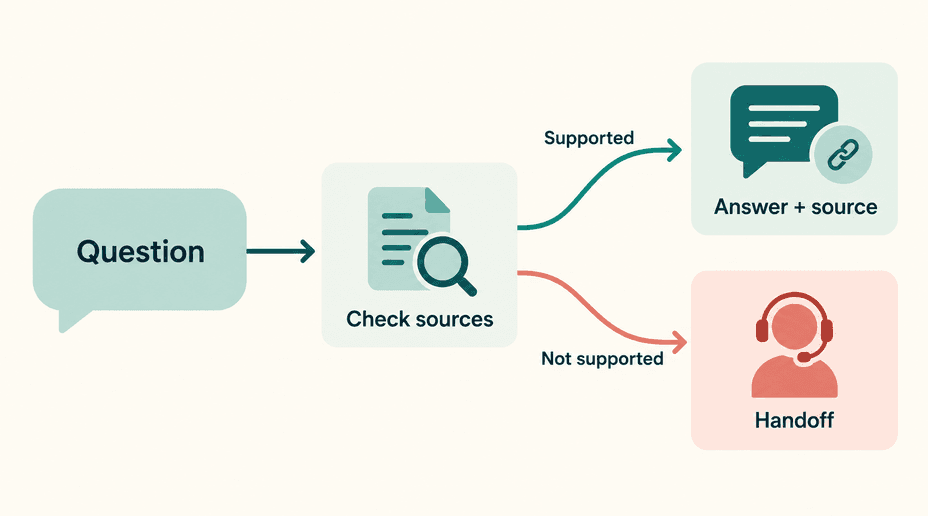
A typical request follows this path: the browser sends the question to your backend; the backend searches approved content; relevant sections are included with the model request; the response returns with appropriate source references. This pattern is called retrieval-augmented generation, or RAG.
Search can combine exact terms and meaning-based retrieval. Exact matching helps with product codes; meaning-based search helps when visitors use different wording. Evaluate the retrieved sections separately from the final answer. If the right policy never reaches the model, rewriting the response prompt will not fix the underlying search problem.
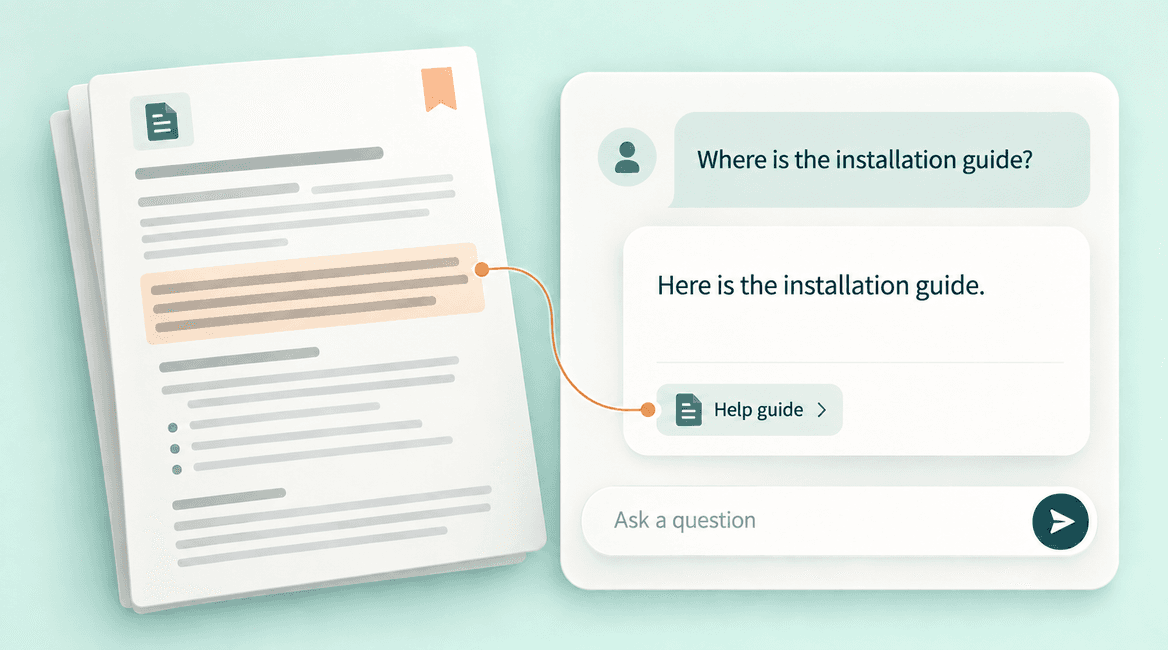
Specify how the assistant should use evidence: answer only within scope, avoid filling gaps with guesses, and distinguish a documented fact from a suggestion. Ask for clarification when the product or location is ambiguous. Source links help visitors verify answers, but a link alone does not prove the answer follows from that source. Some providers offer source-linked citation features; check their supported formats before choosing an implementation.
5. Build a real fallback and handoff
Suppose a visitor asks whether an unlisted accessory works with a discontinued machine. The assistant should explain that the available documentation does not confirm compatibility, link to the relevant support route, and offer to pass along the model numbers. It should not turn missing information into a guessed yes.
Let the visitor choose to contact a person without repeatedly rephrasing the question. If you collect an email address or transfer a transcript, explain what will be sent and request only the necessary details. Include the question, relevant product, sources already checked, and any clarifying answers in the handoff. Avoid forcing visitors to start again.
6. Keep security and access decisions outside the model
Keep provider credentials on the server. Apply request limits, control conversation length, and restrict which content the backend can retrieve. A public assistant should not share a search index with confidential documents unless access filtering is reliably enforced before content reaches the model.
Treat visitor messages and retrieved pages as untrusted input. A document containing “ignore previous instructions” is content to analyze, not authority to change the assistant's behavior. OWASP's prompt-injection guidance describes this risk. For a first release, giving the assistant no write actions makes the permission boundary much easier to reason about.
7. Make the chat interface usable
Include a clear opening description of what the assistant can answer, a visible close control, keyboard access, and an accessible label for the launcher. Preserve the visitor's message if a request fails. Show that a response is in progress and provide a retry or contact option after a timeout.
Render responses safely rather than inserting arbitrary model-generated HTML. Make source links recognizable and usable on mobile. Load the widget without blocking the main page, and check that it does not cover navigation, purchase controls, or accessibility tools. A helpful assistant should not make the rest of the website harder to use.
8. Test answers, retrieval, and handoff separately
Create a review set before launch. Include common questions, misspellings, missing context, conflicting sources, unavailable information, and attempts to request private data. Record the expected source and acceptable behavior for each case. Have a content owner review factual accuracy; a fluent answer can still be wrong.
- Ask about a documented delivery region: expect the correct policy and a relevant source link.
- Ask about an unsupported region: expect a clear limitation, not an invented shipping quote.
- Omit the product model: expect a clarifying question before compatibility advice.
- Remove a retired policy: verify it disappears from retrieval and any relevant cache.
- Simulate a provider timeout: expect the message to remain visible and a useful fallback.
- Request private order details without signing in: expect no disclosure and an appropriate account-support route.
Before you launch: a practical checklist
- The first release has a written scope and examples of questions it must decline.
- Every approved content source has an owner and a refresh or removal process.
- The test set checks retrieved evidence as well as final answers.
- The chatbot provides source links, clarification, and a visible human-support route.
- Server credentials, request limits, safe rendering, and content permissions are in place.
- The widget works with keyboard navigation and on small screens.
- Someone owns weekly review of failed questions, usage, cost, and content changes.
Budget for the whole conversation
Model usage is one part of the operating cost. Retrieval, document processing, storage, monitoring, the widget or platform subscription, and staff review also matter. Estimate cost using representative conversations, including follow-up questions and long retrieved documents. A short opening question does not necessarily mean a small model request.
Set limits for message size, response length, daily usage, and repeated requests. Track cost per useful conversation alongside response time and failed requests. Do not optimize only for conversation count: a bot can handle many chats while preventing very few unnecessary support contacts.
Improve content before expanding the assistant
Review unanswered questions and corrections in a way that respects your data-handling policy. Repeated confusion may indicate an unclear product page, a missing policy, or a broken support link. Sometimes the best improvement is an ordinary website edit that helps every visitor.
Only add authenticated account information or actions after the public-content version works. Those features introduce permission checks, confirmation steps, audit records, and recovery behavior. See how to integrate AI into an existing app for the application-side architecture.
FAQs
Do I need to train an AI chatbot on my website?
Usually, you can start with an existing model and retrieve approved website content for each question. People often call this “training on your website,” but retrieval does not update the model's parameters. It also makes content changes easier to manage than treating every policy update as a training task.
Can a chatbot guarantee that every answer is correct?
No. Relevant sources, restrained instructions, testing, and human handoff reduce failure, but they do not eliminate it. Decide which questions are safe to answer automatically and which require a person or a deterministic lookup.
How do I know whether the chatbot is worth keeping?
Compare it against a baseline such as better navigation, an improved FAQ, or an existing search tool. Review whether visitors find correct answers, complete the intended task, and avoid repeated contact. Keep the assistant only if the measured benefit justifies its maintenance and cost.
What should I give a development partner?
Share your main visitor questions, approved sources, current support process, excluded topics, and examples of a successful conversation. Talk with DevConex about turning those into a scoped chatbot and a practical acceptance test.