
How to Turn Your Website Into a Mobile App
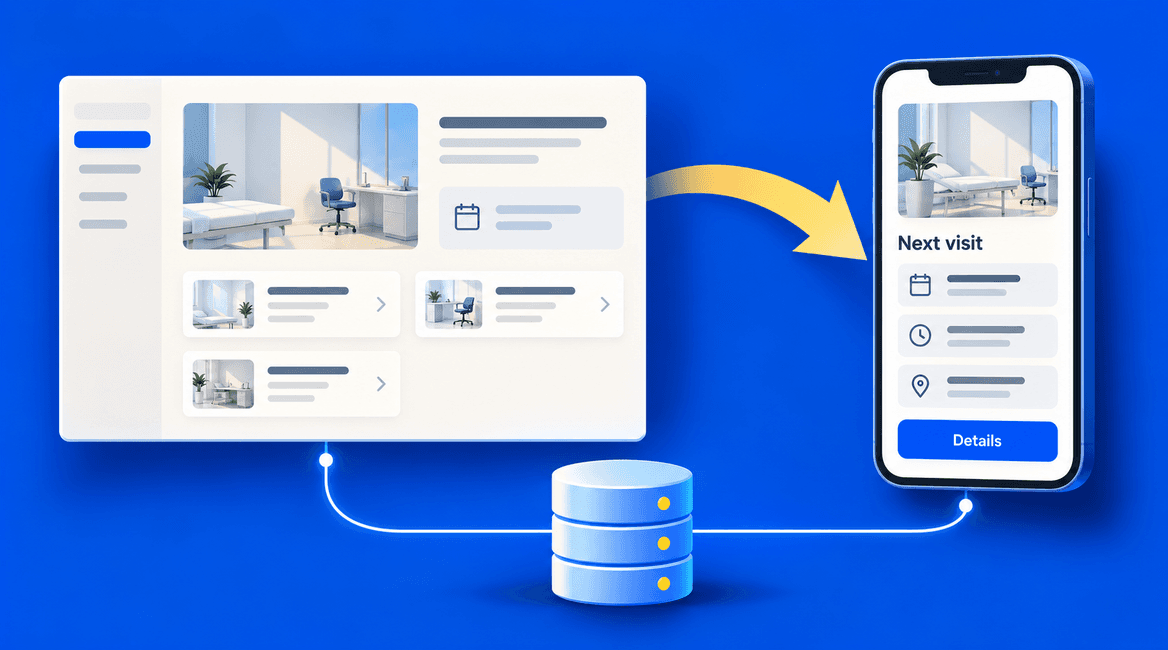
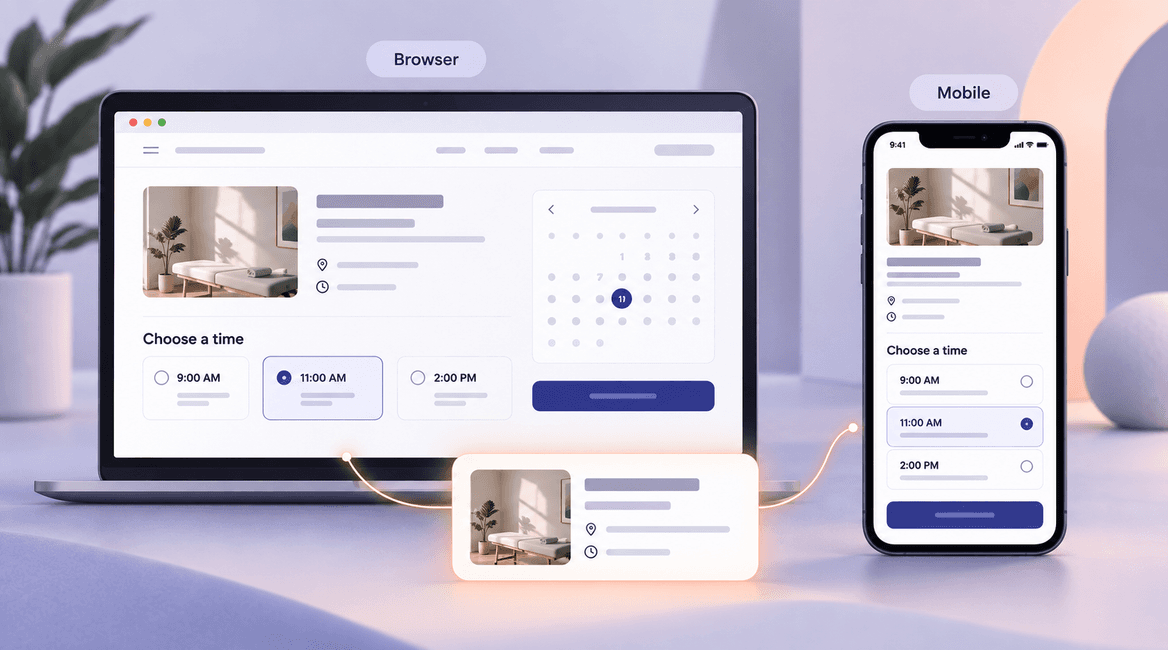
Turning a website into a mobile app can mean several different projects. You might package an existing web interface, build a new mobile interface that uses the same backend, or decide that an improved mobile website already solves the problem.
The right choice depends on why customers would install the app. Faster access to repeat tasks, offline work, camera capture, and timely updates are stronger reasons than simply wanting an icon in an app store.
This guide follows a hypothetical appointment business whose website already supports accounts and bookings. Its proposed app helps returning customers see upcoming appointments, reschedule, and receive useful reminders. The goal is to reuse what works while designing the mobile experience deliberately.
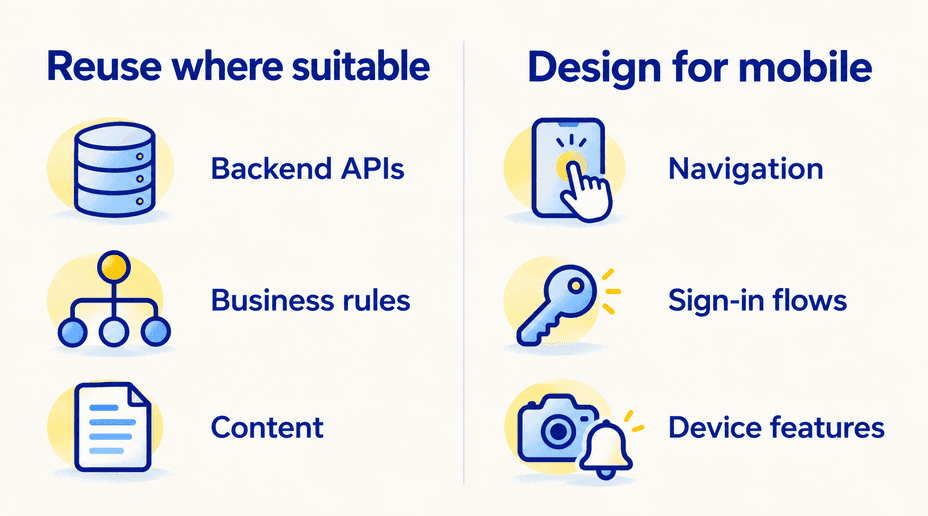
Reuse the systems that already work. Redesign the moments where a phone changes how the customer completes the task.

Define the reason someone would install the app
Choose the repeat task first
List the actions customers perform frequently and the friction they encounter on the mobile website. For the appointment business, the core task might be checking or changing an upcoming visit. Reading the company history is unlikely to justify an install on its own.
Write down the expected benefit and how you will measure it. That could be fewer failed rescheduling attempts or less time spent finding appointment details. Compare against improving the current mobile website, not only against doing nothing. An app creates another product to maintain and another step for customers to adopt.
Audit what the website actually contains
Inventory the frontend, backend, database, authentication, content system, payments, analytics, and third-party integrations. Confirm which business operations already have supported APIs and which exist only inside page-rendering logic or browser scripts.
A polished website is not proof that the backend is ready for a mobile client. If booking rules are implemented only in the browser, move their authoritative enforcement to the server. Otherwise the app and website can disagree about availability, permissions, or cancellation rules.
Also check ownership and access. Your team needs the relevant repositories, API documentation, environment configuration, and permission to use any existing assets. A plan to “reuse the website” is incomplete until it identifies the actual reusable pieces.
Choose a conversion approach
Improve the mobile website or consider a PWA
A responsive website may be the best starting point when discovery through search, occasional use, and low installation friction matter most. A progressive web app can add capabilities such as installation and selected offline behavior, but support and restrictions vary by browser and operating system.
Prototype the specific capability you need on your target devices. Do not promise that every browser supports the same notification or background behavior. If a faster website with clearer account navigation solves the customer problem, a store app may add more work than value.
Package a web interface with native capabilities
A hybrid approach can reuse an appropriate web frontend inside an installed application and expose device features through native integrations. Capacitor is one example of a runtime designed to connect web applications with native capabilities.
This approach can fit a mobile-friendly web product with manageable device requirements. It still needs navigation, keyboard, safe-area, permission, network-error, and release testing. A server-rendered site also needs an explicit architecture: which assets ship with the app, which content loads remotely, and what remains usable if the network fails.
A thin repackaged website is not automatically suitable for the App Store. Apple's minimum-functionality guidance expects an app experience with value beyond simply repackaging a website. A native-looking splash screen is not a substitute for useful functionality.
Build a mobile interface on the existing backend
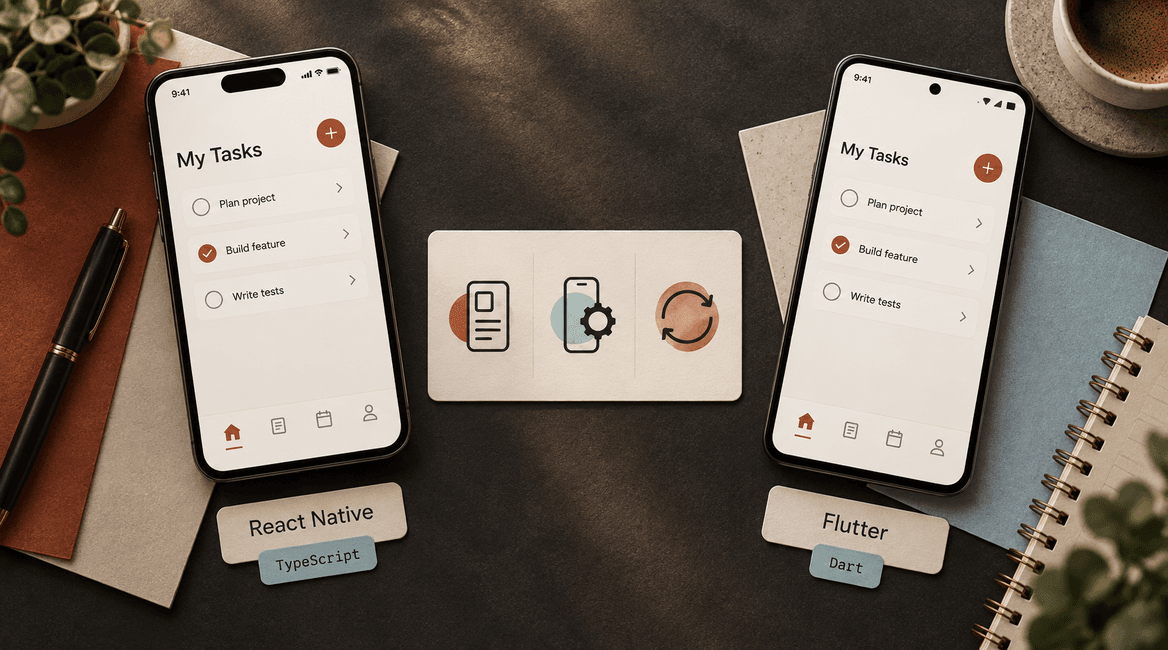
React Native, Flutter, or native platform tools let you build a dedicated mobile interface while retaining appropriate server APIs and data. This generally involves more frontend work than packaging a web interface, but gives the team room to design the app around mobile tasks.
For our appointment business, the app home screen could show the next visit and two obvious actions. It does not need to duplicate the website's marketing navigation. Our React Native versus Flutter guide explains one part of choosing that implementation.
Reuse the backend without copying browser assumptions
Keep one source of truth for business rules
Use the same authoritative booking service for the website and app. The server should check availability and permissions for every request. Do not create an independent mobile database that can accept conflicting bookings without a synchronization plan.
Define API responses for success, validation errors, unavailable appointments, and expired sessions. Plan for older app versions remaining installed after a backend update. Additive changes and explicit compatibility rules are usually easier to manage than requiring every customer to update immediately.
Rework sign-in and account recovery
A browser session does not automatically transfer to an installed app. Review the authentication provider's supported mobile flow, callback links, secure credential storage, token refresh, logout, and account recovery. Avoid embedding private server credentials in the mobile bundle.
Test a user who starts a password reset from email, opens the app through a link, and returns after the session expires. These transitions often matter more than the initial login screen. If multiple accounts can use one device, make sure cached data and notification registrations follow the correct account.
Design links and navigation as a system
Map important website URLs to app destinations and define a web fallback when the app is not installed. A booking link should identify the intended record, but the backend must still check whether the signed-in user may view it.
Handle links when the app is already open, starts from a closed state, or requires sign-in. Preserve the intended destination through authentication. If an appointment has been removed or the user has lost access, show a useful explanation instead of a blank screen.
Add device features only where they help
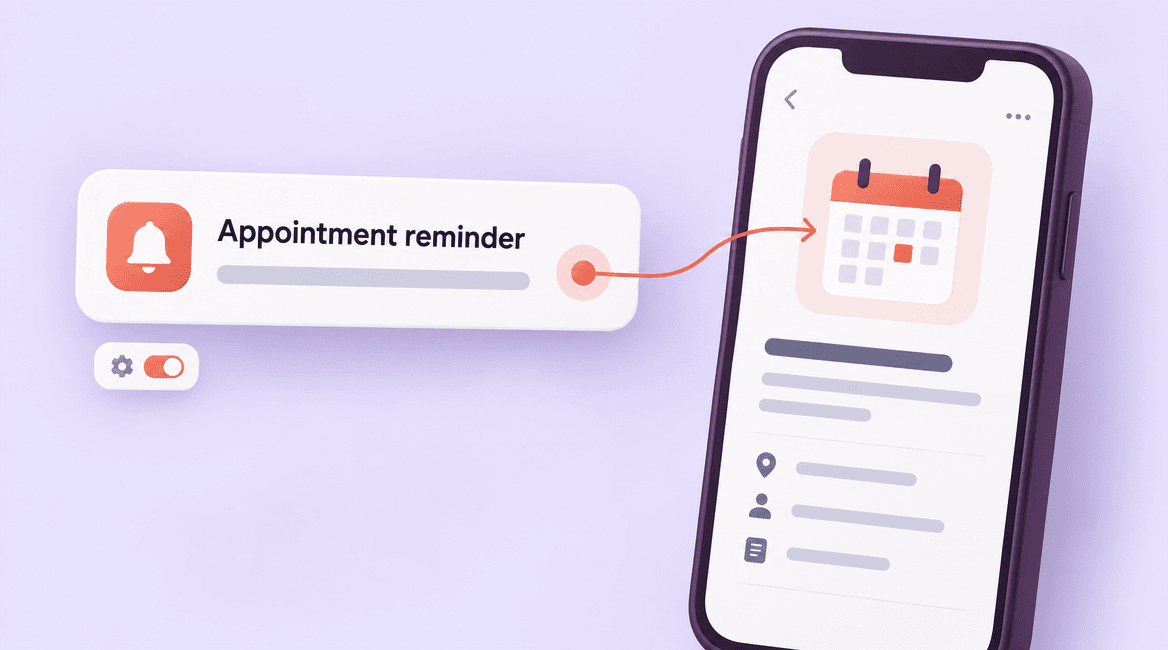
A reminder can bring the user directly to an upcoming appointment. Camera access might help upload a relevant document. Each feature needs a reason, a permission flow, and a fallback when permission is denied. Avoid requesting every permission during the first launch.
Payment flows need a separate review based on what is sold, where the app is distributed, and current store rules. Do not assume that an existing website checkout can be copied unchanged into an installed app. Confirm that decision before finalizing the scope.
Plan the weak-network experience
At minimum, explain when content cannot refresh and preserve user input after a failed request. If the app displays a previously loaded appointment, label stale information appropriately. Do not imply that an offline rescheduling request is confirmed before the server accepts it.
Decide which actions can be saved as drafts and which require a live connection. For a fuller architecture, see how to build a mobile app that works offline.
Before you launch: a practical checklist
- The app solves a recurring customer task that justifies installation.
- Reusable frontend, backend, content, and authentication components are explicitly listed.
- Business rules and access checks remain authoritative on the server.
- Sign-in, recovery, logout, and incoming links work across app states.
- Navigation is designed for mobile tasks instead of copying the desktop menu.
- Permissions, notification preferences, and denied-access fallbacks are tested.
- The payment and distribution approach has been checked against current store requirements.
- The team has a plan for older app versions, monitoring, and ongoing releases.
Test a complete customer journey
For the appointment example, create a test account on the website, sign in on the app, view a booking, reschedule, and confirm the new time on the website. Then interrupt the network during the same flow. Check that the system does not create a second booking or display a confirmation that the server never accepted.
Repeat the journey with an expired session, a deep link from email, denied notification permission, and a small screen with larger text. Test release builds on real devices. Keep expected outcomes written down so a development partner and business owner can review the same behavior.
Estimate the work in separate parts
Ask for separate estimates for the backend audit, interface work, authentication, device integrations, testing, and store preparation. Also identify website changes needed to support the app. This reveals whether a low conversion quote excludes the work that makes the result usable.
Budget for maintenance after launch: operating-system changes, dependency updates, API compatibility, support, and release management. A shared backend reduces duplication but creates a responsibility to test changes against both clients.
FAQs
Can any website be converted into an app?
Most websites can inform an app project, but the amount of reuse varies. A responsive application with documented APIs is a different starting point from a marketing site or a tightly coupled legacy system. An audit should precede a fixed conversion estimate.
Will the app update whenever the website changes?
Shared content and server behavior may update centrally. Changes to bundled mobile code or native capabilities can require a new app release. Document which parts are shared and how updates are delivered rather than promising universal automatic updates.
Do we need separate databases for the app and website?
Usually, they can use the same backend source of truth through appropriate APIs. The app may also keep local data for speed or offline work. That local copy needs clear synchronization and account-isolation rules.
What should the first mobile version include?
Start with the core repeat task, dependable sign-in, useful error handling, and a clear support route. Talk with DevConex about auditing your website and scoping the smallest mobile experience that delivers a real benefit.