
Web App vs. Mobile App: What Should You Build First?
The web app vs. mobile app decision is easier when you start with a task. A customer checking an order once a month has different needs from a field worker scanning items throughout the day. Both may use a phone, but they do not necessarily need the same kind of application.
Choose the first platform around your audience's access, frequency of use, device requirements, and operating conditions. Then compare the effort to deliver and maintain that experience. Building both immediately is not always necessary.
Choose the platform that makes the first important task easiest for your users to complete.

Compare How the Application Will Be Used
Understand what each option means
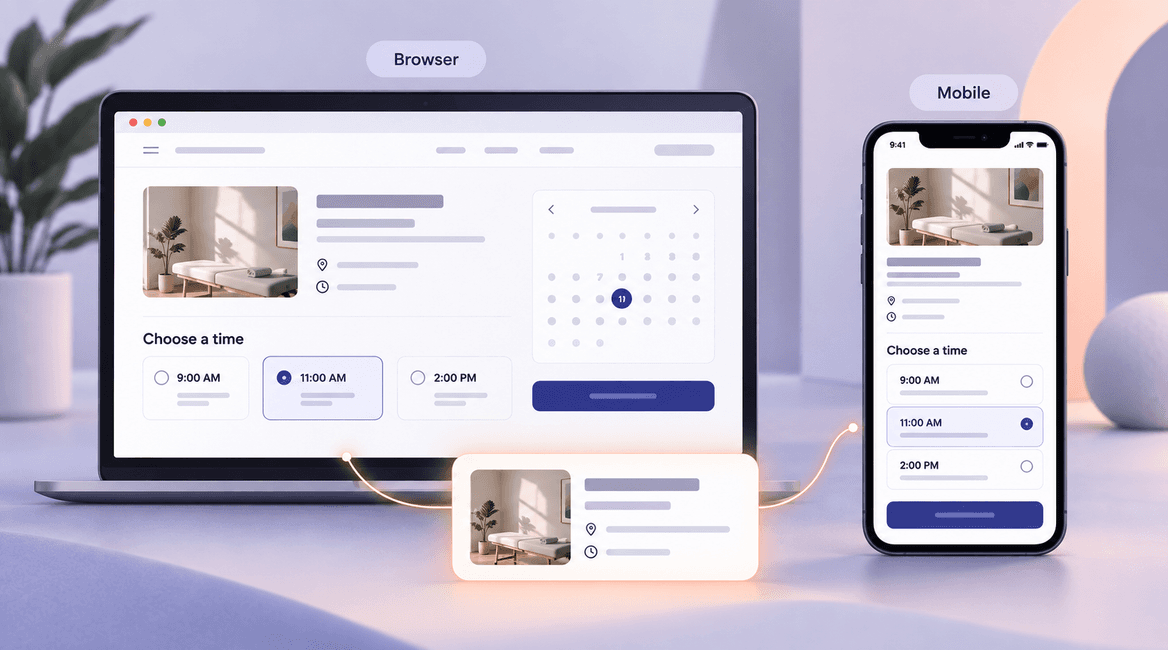
A web app runs through a browser and can be designed for phones, tablets, and computers. A responsive interface adapts the layout to different screen sizes. It can support rich workflows without asking a visitor to install an application first.
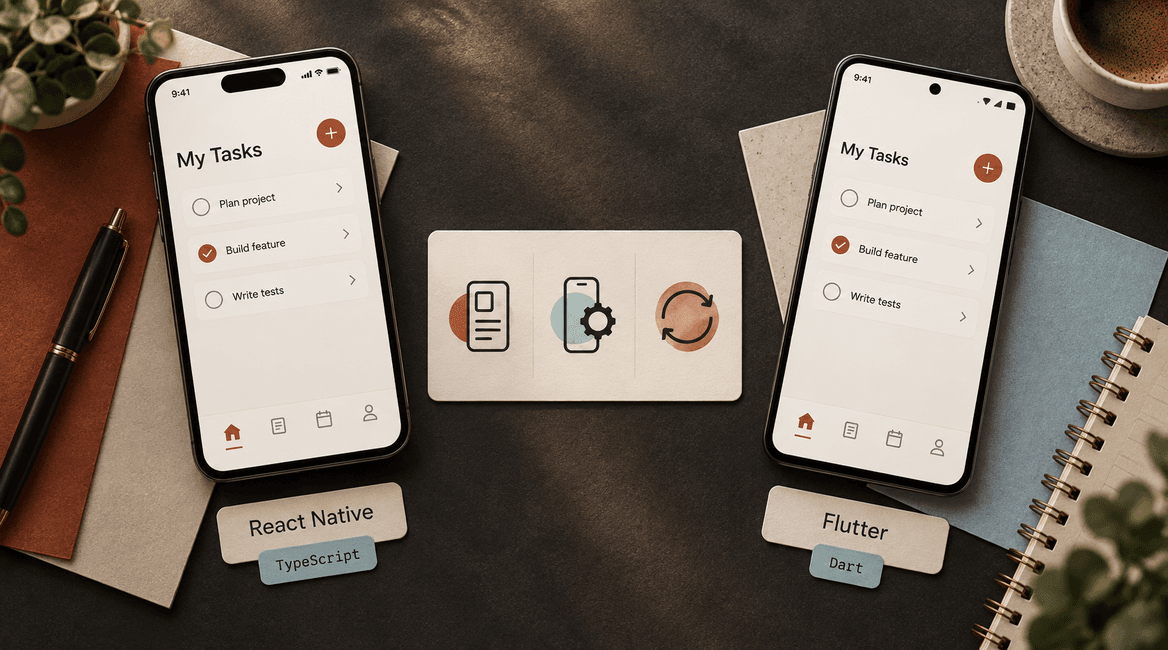
A mobile app is installed on a phone or tablet. It may be built specifically for one operating system or with a framework that shares parts of the implementation across platforms. Sharing code does not remove the need to test permissions, layouts, and behavior on the actual supported devices.
A progressive web app, or PWA, is a web application with additional capabilities such as an installable experience or selected offline behavior. It can be a useful middle option, but the required features must be checked against the browsers and operating systems your audience uses.
Customer access: how will people arrive?
If customers follow an email link, discover a service through search, or use the product occasionally, browser access can reduce the steps before they complete a task. A quote request or document download may not justify asking someone to visit an app store and install software.
If users return frequently and see clear value in keeping the application on their device, an installed app may fit the relationship. Ask how users will discover it, how you will encourage installation, and what happens when they decline. An app store listing does not create demand by itself.
Device features: test the exact capability
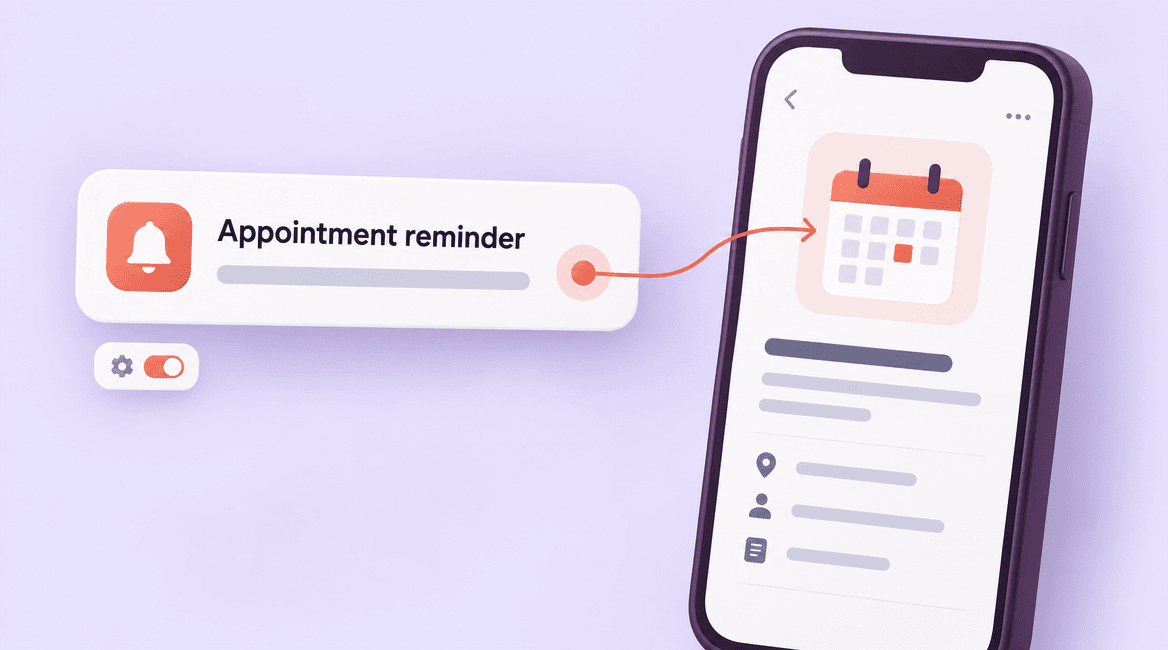
List the features the product actually needs: camera capture, file upload, location, notifications, barcode scanning, Bluetooth, or background activity. Do not assume that all device features require a native app, or that every browser supports the same capabilities.
Google's PWA capabilities guidance notes that feature availability varies across browsers and platforms. Treat a required device interaction as something to prototype and test on your supported devices before choosing the architecture. A fallback may be acceptable for a convenience feature but unacceptable for the product's main task.
Offline work: define what happens without a connection
Offline support is a product requirement, not a switch. Decide which information can be viewed, what users can change, how long the device may remain disconnected, and what happens when two people change the same record.
A field worker might need to capture a job note and photo without service, then upload them later. The interface must show what is saved locally, what is synchronized, and whether anything failed. Either approach can require substantial work to protect local data and resolve conflicts. Test the required behavior rather than assuming an installed app automatically solves it.
Development effort: compare the same scope
A web application can cover multiple device categories through one browser-based product, although responsive design and compatibility testing still take work. If the first workflow is primarily a form, account area, or business dashboard, that may be an efficient starting point.
A mobile product may need platform-specific design, device testing, store preparation, permissions, and release management. Shared-code frameworks can reduce duplicated implementation, but native capabilities and operating-system differences can still require separate work. Compare proposals using the same workflows, integrations, and acceptance criteria.
Updates: plan for more than releasing new code
Web updates are typically delivered through the hosted application, with attention to caching and active sessions. Installed applications introduce a distribution process and the possibility that users remain on an older version. The back-end service may need to support more than one released client version.
Ask how urgent fixes are delivered, how a release is tested, and what rollback looks like. A browser product also needs controlled releases; the ability to deploy quickly is not a substitute for testing. For a mobile product, include the operational work around store accounts and submissions.
Maintenance: include every supported surface
Both options need hosting for back-end services where applicable, dependency updates, monitoring, bug fixes, and support. Budget for the devices and browsers you commit to support and for rechecking important flows when those environments change.
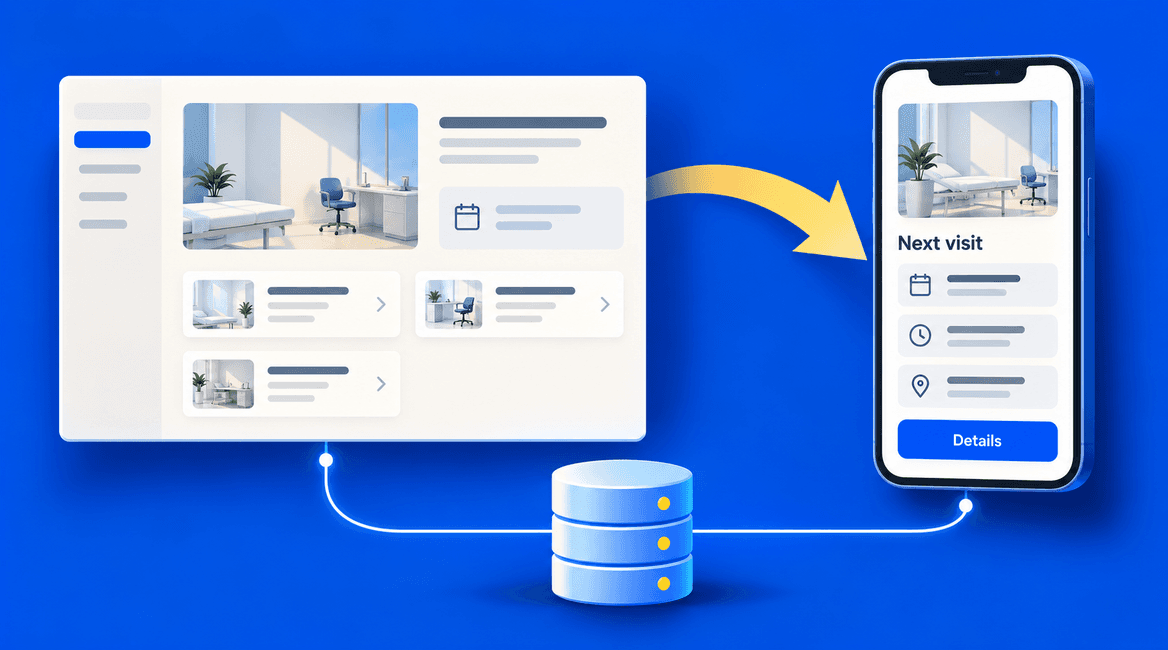
If you build web and mobile experiences, shared services can keep business rules and records consistent. You still own multiple interfaces, release processes, and sets of user expectations. A common back end helps, but it does not make a second interface free.
Compare three practical starting points
Occasional customer portal: customers follow a link to review documents and request help. A responsive web app is a strong candidate because easy access matters more than installation or deep device integration. Confirm the mobile document experience during testing.
Field operations tool: staff work on assigned devices, capture photos throughout the day, and sometimes lose connectivity. An installed app may be justified, but first test the required offline and device behavior. A suitable web approach could still work if its limitations fit the operation.
Repeat booking service: customers book appointments from a link and staff manage availability. A web-first release can test the booking journey. Add a mobile app when repeat usage and specific capabilities justify the extra operating commitment. Frequent use is evidence to consider, not an automatic rule.
Your First-Platform Decision Checklist
- Identify the first audience, primary task, and expected frequency of use.
- Record how users will discover and open the application.
- List required device features and test them on supported devices.
- Define offline behavior, synchronization, and conflict handling explicitly.
- Compare equal scope, including back-end services and integrations.
- Include distribution, account ownership, testing, and release responsibilities.
- Budget for maintenance across every supported browser or platform.
- Choose evidence that would justify adding a second interface later.
Test the Riskiest Requirement First
If the decision depends on a specific device capability or offline workflow, prototype that part before building the rest. If it depends on whether customers will install an app, investigate their actual behavior rather than treating installation as a marketing preference.
DevConex can help compare web and mobile approaches against your requirements. Describe the main user task and the devices involved, including any offline needs or integrations, to discuss a practical first release.
FAQs
Can a web app work well on a phone?
Yes, when its layout and interactions are designed and tested for mobile use. Evaluate the complete task, including forms, files, error messages, and navigation, rather than only looking at a scaled-down desktop screen.
Is a mobile app always faster?
No. Perceived speed depends on implementation, network conditions, data loading, and the work the application performs. Test representative tasks on realistic devices and connections instead of choosing solely on a general performance claim.
Can we start with web and add mobile later?
Often, yes. Clear business rules and shared services can support that path, but the mobile interface and its platform requirements still need design and development. Discuss the likely direction early without funding speculative features immediately.
Should we build for both iOS and Android at launch?
Use audience evidence and access requirements to decide. An internal team with managed devices may need one platform; a consumer audience may require broader coverage. Include a clear explanation of who would be excluded by the initial choice.