
Custom Software vs. Off-the-Shelf: Which Fits Your Business?
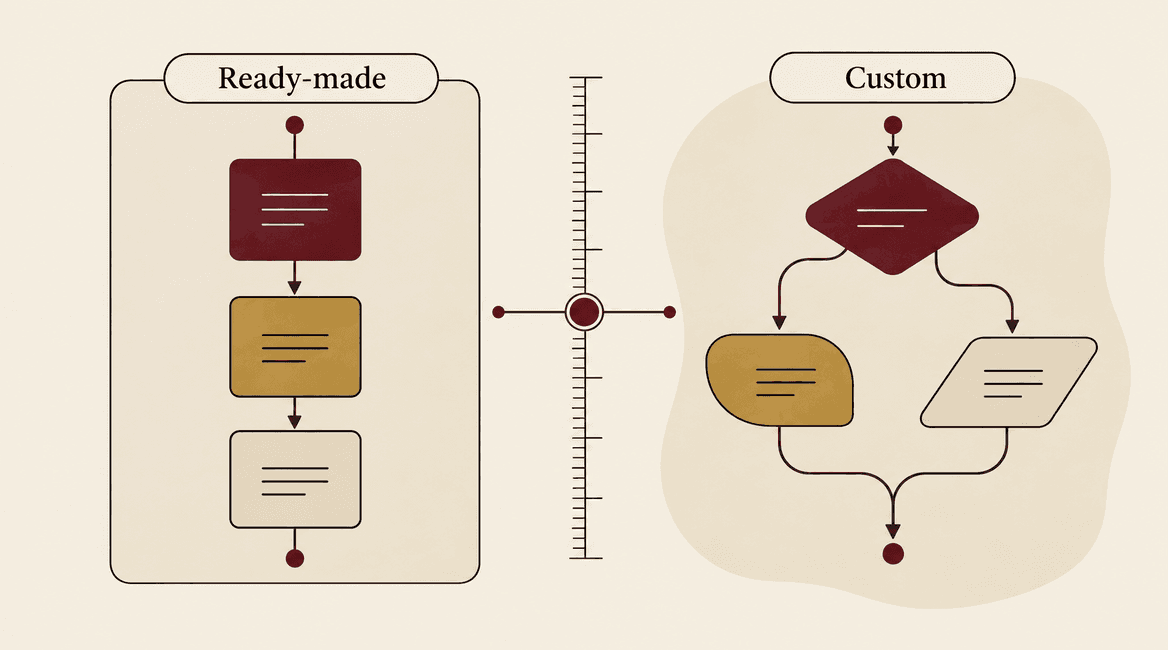
The choice between custom software and off-the-shelf software starts with your workflow. Existing products can solve familiar problems quickly. Custom development can make sense when the business depends on requirements those products cannot reasonably support.
Neither option removes implementation work or ongoing responsibility. Compare what it will take to make each option useful in your business, including configuration, data, integration, staff adoption, maintenance, and the ability to leave later.
Build where a meaningful business requirement justifies it; buy where an existing product already does the job well.

Compare the Options Against Your Actual Work
Start with the outcome, then separate essential requirements
Choose one process and describe it from beginning to end. For a service business, that could be receiving a request, assigning staff, scheduling a visit, recording completion, and invoicing. Include the exceptions staff handle every week, not just the ideal path.
Mark requirements as essential, useful, or optional. Explain why each essential item matters. “Must match our current spreadsheet exactly” may describe a habit rather than a business need. “A contractor must only see jobs assigned to them” expresses a meaningful access requirement.
Workflow fit: standard processes versus specific rules
Off-the-shelf software is a strong candidate when your needs match a common process and your team can adopt its conventions. Standard appointment scheduling, invoicing, project tracking, and customer records often have established product options worth testing first.
Custom software becomes more relevant when a critical workflow crosses several systems, involves unusual business rules, or requires an experience that available products cannot deliver. The gap should be specific and consequential. A preferred button color rarely justifies building a new operational platform.
Implementation time: consider everything before useful operation
An existing product can shorten the path to a usable system, but setup may still involve data cleanup, configuration, account permissions, integrations, training, and process changes. A paid subscription is not the same as a finished implementation.
A custom project adds discovery, design, development, and testing before the first release is ready. It can be delivered in stages, but the business must be available to answer questions and review work. Compare dates for a usable workflow with trained staff, not dates for signing up or starting development.
Flexibility: decide which changes you need to control
With an existing product, configuration and extensions operate within the vendor's supported model. That can reduce maintenance work, while limiting unusual changes or making them dependent on a particular subscription tier or roadmap.
Custom software can give you more control over the product, subject to the architecture and ownership arrangement. It does not make every change cheap. Good documentation, tests, clear account access, and a maintainable design still matter. Ask who will make changes when the original team is unavailable.
Total cost: use the same time horizon
Compare costs over a period that fits your planning, such as three years, and label your assumptions. For a subscription product, include licenses, implementation, configuration, connectors, training, internal administration, and likely usage growth. Confirm current vendor pricing rather than relying on a remembered starting plan.
For custom software, include discovery and delivery, hosting, third-party services, maintenance, support, internal ownership, and a separate allowance for improvements. Include migration and exit effort on both sides. Do not assume that a custom product has no recurring fees or that a low initial subscription represents the full operating cost.
Workarounds also consume time. Record the actual manual steps and volume before assigning them a value. Use a range if the time estimate is uncertain, and test whether the decision changes when adoption is slower or usage is lower than expected.
Maintenance and responsibility: make ownership explicit
A subscription vendor usually maintains its core product, while your business remains responsible for its configuration, users, data practices, and any custom integrations. Vendor updates can still affect your workflow. Check support arrangements and how the team will handle a service outage.
With custom software, assign responsibility for updates, monitoring, backups, recovery, and defects. Confirm what the development agreement covers after launch. A system that nobody can maintain is a poor fit even if its initial feature list is ideal.
Consider a hybrid before choosing a full rebuild
You can keep an existing CRM or accounting platform and build a small portal or integration around it. That may address the specific gap while retaining mature capabilities already in use. It also introduces dependencies on the existing platform's API, plans, and data model.
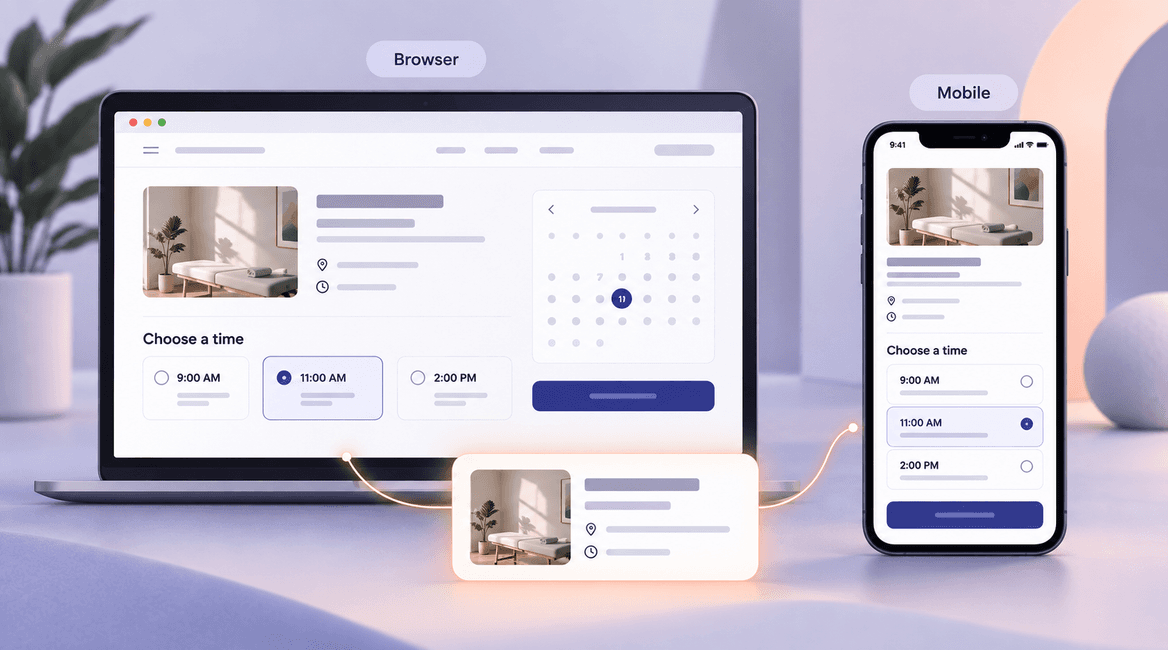
For example, a business might use standard booking software for ordinary appointments but need a custom intake process that verifies prerequisites before making a booking. First test whether supported configuration can do that. Build the additional layer only when the gap is real and the integration can be operated reliably.
Compare two practical situations
Buy-first example: a small consulting firm needs shared contacts, reminders, simple proposals, and standard reporting. Its current difficulty is inconsistent use of spreadsheets. A configured existing product with staff training may solve the problem without custom development.
Build-or-hybrid example: a field-service company must coordinate customer permissions, equipment history, unusual approval rules, and data from several existing systems. If product trials demonstrate that the critical steps cannot be supported without fragile workarounds, a tailored application or integration may be justified.
These are hypothetical situations, not claims that every firm in those industries should make the same choice. The decision follows the demonstrated gap and the cost of operating each option.
A Buy-or-Build Evaluation Worksheet
- List one complete workflow, its users, and the exceptions it must handle.
- Separate essential outcomes from preferences about the current process.
- Test shortlisted products using your own sample data and real scenarios.
- Record gaps, supported configuration, integrations, and manual workarounds.
- Compare implementation and operating costs over the same period.
- Identify the owner for updates, support, access, and data recovery.
- Check data export, documentation, and the practical effort of leaving.
- Consider a small custom layer before replacing a working system.
Make the Decision With a Short Trial
Ask the people who perform the work to complete realistic scenarios in each shortlisted product. Have them record where they need help, enter data twice, or leave the system. A polished demonstration is less informative than watching your actual workflow succeed or fail.
If custom work remains justified, describe the unmet requirement precisely before requesting proposals. DevConex can help assess whether configuration, integration, or a custom application fits the problem. Share the workflow and the options you have tried to start that discussion.
FAQs
Is custom software better for growing businesses?
Growth alone does not decide the issue. Look at user volume, complexity, integrations, and the cost of current workarounds. An existing product may support growth well; a custom product may fit when important requirements remain unmet.
Will we own everything in a custom application?
Confirm the arrangement in writing. Custom code, third-party services, open-source components, data, and accounts can have different ownership or licensing terms. Ask what access and handover materials your business will receive.
Can we switch from off-the-shelf software later?
Possibly, but plan for export quality, attachments, relationships between records, and historical data. Test an export before committing if exit flexibility is important. Migration can require cleanup and validation even when an export feature exists.
What if no option meets every requirement?
Review whether every requirement is essential. Consider changing a process, combining supported tools, or building a limited extension. Avoid accepting a critical gap merely because the rest of the feature list looks impressive.