
AI Automation for Small Businesses: 7 Practical Use Cases
AI automation for small businesses works best when it supports a specific task that already consumes time: reading inquiries, organizing documents, summarizing conversations, or preparing a response. Buying a tool before choosing the task makes it harder to tell whether anything improved.
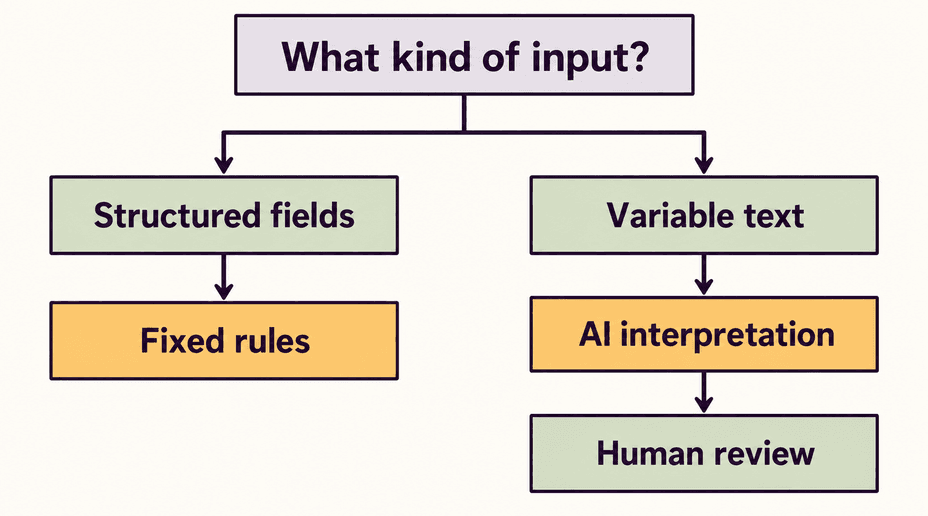
AI is useful when the input varies and interpretation is part of the job. Ordinary automation is usually simpler for predictable actions such as assigning a form submission by ZIP code or sending a reminder on a known date. Many useful workflows combine both.
Choose one repeatable task, decide what a correct result looks like, and keep someone responsible for exceptions.

Seven Practical Ways to Use AI in a Small Business
1. Turn free-text inquiries into organized lead details
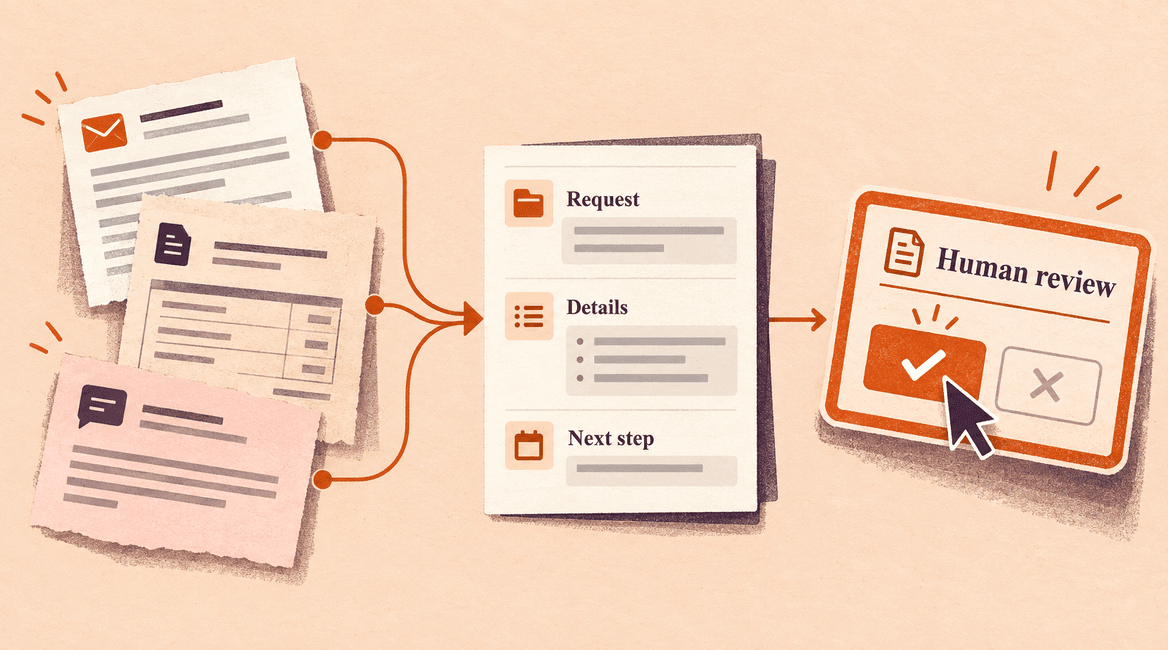
A service business might receive inquiries that mix the requested service, location, deadline, and background information in one paragraph. AI can propose structured fields and a short summary so the person responding does not have to reread every message.
Keep the original inquiry beside the extracted details. Leave missing information blank or mark it for follow-up; the system should not invent a budget or timeline. Use ordinary rules to assign the lead once reliable fields are available. A form that already collects everything in separate fields may not need AI at all.
2. Extract information from documents for review
Supplier documents, order forms, and service reports often arrive in different layouts. A document-processing workflow can propose the supplier name, reference number, date, and line items, then flag missing or inconsistent values for a reviewer.
Treat the extraction as a draft, especially where numbers matter. Compare totals, preserve a link to the source, and check unfamiliar layouts. Start with one document type and an approved destination. Automatically reading a document should not automatically authorize a payment or change a business record.
3. Sort incoming support requests
AI can suggest whether a message concerns account access, a delivery problem, a product question, or something else. That classification can help place it in the right queue and surface a relevant internal help article.
Give staff a way to correct the category, and review missed urgent issues as well as successful routing. Known identifiers and explicit selections can use rules. Unclear messages should reach a general queue rather than disappear because the system cannot confidently classify them.
4. Draft replies from approved information
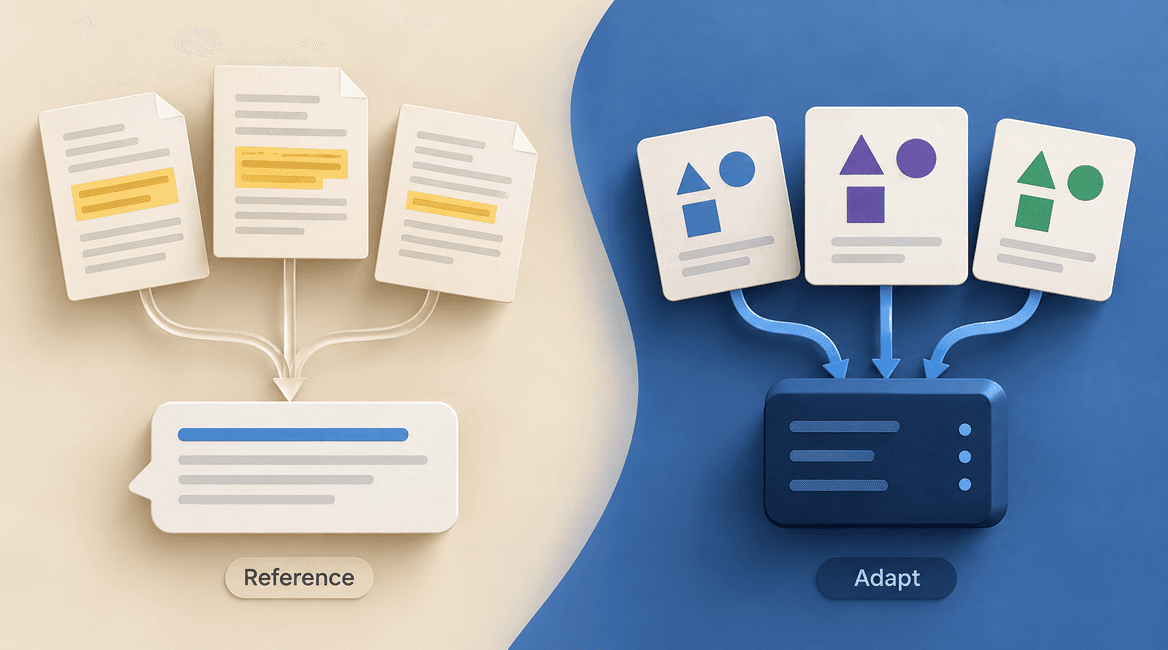
For repeated questions, AI can prepare a draft using your approved service descriptions, policies, and help content. A staff member reviews the result before it goes to the customer. This is especially useful when the correct information exists but takes time to locate and adapt.
Require the draft to identify its supporting source or show that source to the reviewer. If the answer is absent, ask a colleague instead of guessing. Prices, delivery commitments, refunds, and unusual promises deserve explicit approval. Sending an identical confirmation email is a straightforward automation task.
5. Prepare meeting summaries and action items
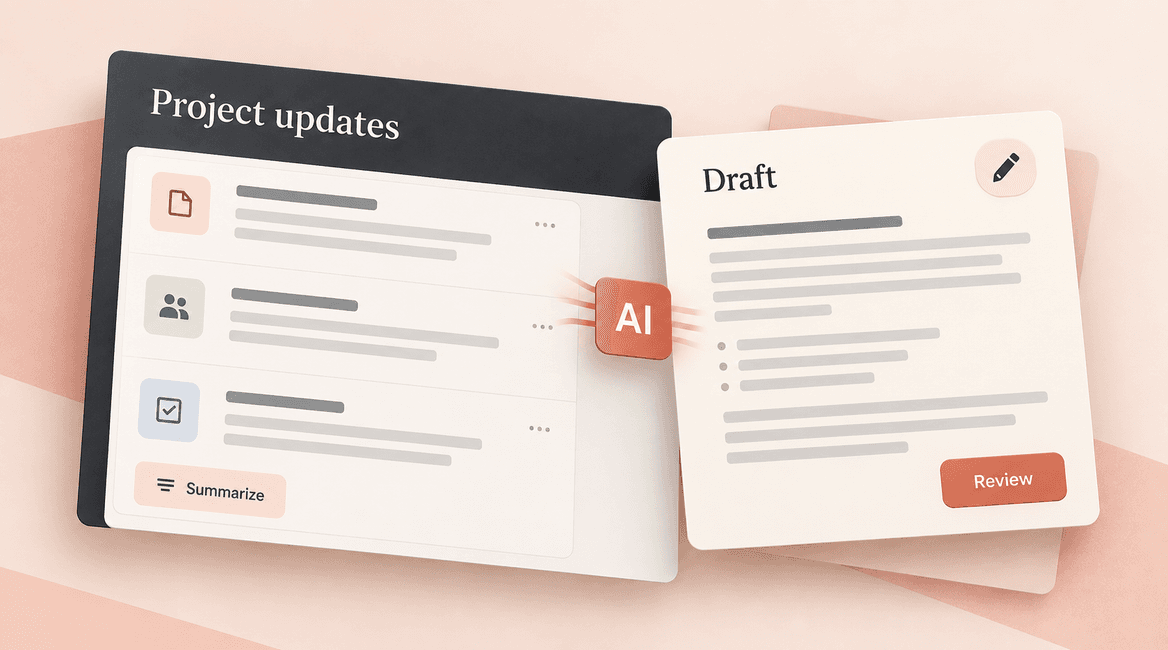
With appropriate participant notice and an approved recording process, a meeting tool can draft a summary, decisions, owners, and next steps. The meeting owner checks those items against the conversation before sharing them or adding tasks to a system.
Focus on whether names, dates, and commitments were captured correctly. A fluent summary can still omit an important qualification. This workflow is less useful if nobody checks the action list or if recording and storage arrangements do not fit the meeting's sensitivity.
6. Organize customer feedback into themes
AI can group free-text survey responses or service comments into proposed themes such as scheduling, communication, or product usability. Ask it to retain examples from the original feedback so someone can verify that a theme is supported.
Separate the count of responses from the interpretation of them. A handful of comments is not proof that all customers share a problem. Review rare but consequential complaints separately so a summary of common themes does not hide them. Fixed-choice surveys may only need a simple report.
7. Help staff find internal procedures
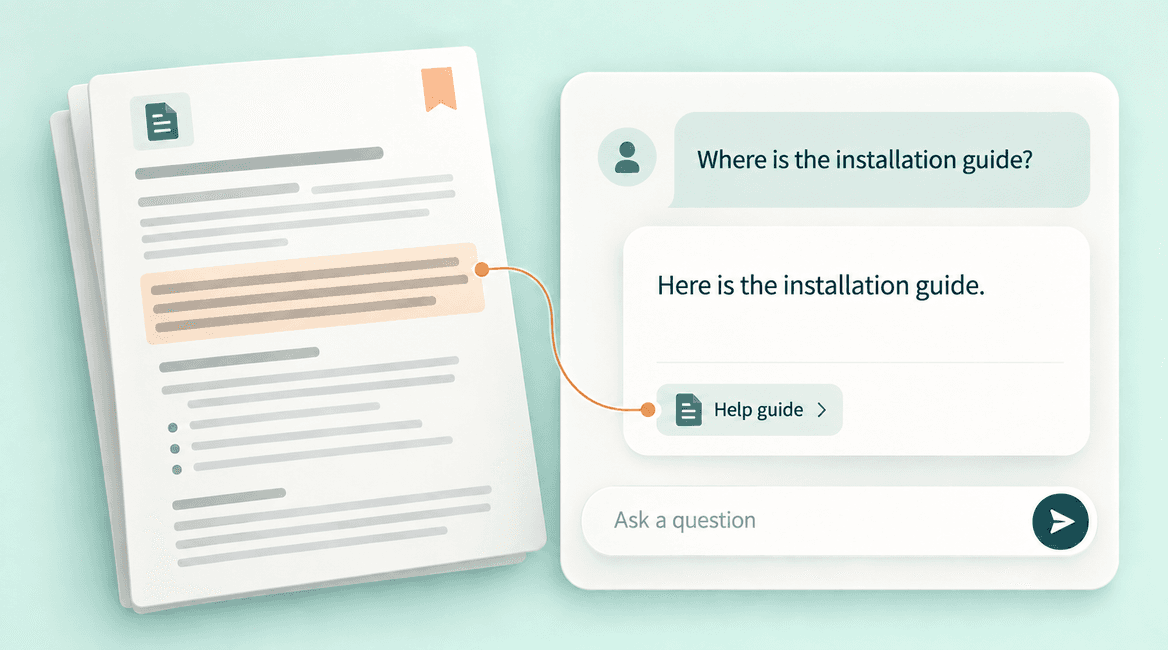
An internal assistant can retrieve relevant passages from approved procedures and propose an answer with source links. It can help a new team member locate a handover checklist or understand where a service request belongs.
Limit access to the documents that person is allowed to see, assign an owner to keep procedures current, and support an “I cannot find that” response. A small, well-organized knowledge base may already solve the problem without an AI layer. Test retrieval before assuming conversation will improve it.
Design the handoff between rules, AI, and people
Map the workflow in three parts: predictable actions, interpretation, and approval. A lead-intake process might save every submission using ordinary automation, ask AI to propose a service category, then let staff review unclear categories. The original record should survive even if the AI step fails.
Avoid treating a model's self-reported confidence as proof of correctness. Add concrete checks such as required fields, allowed categories, totals, and source references. Define what happens when a check fails: queue the item, alert the owner, and make a manual path available.
Start with a measurable pilot
Choose a workflow with enough repeated volume to evaluate and a manageable consequence if a draft is wrong. Collect representative examples, including messy inputs and exceptions, and have the people who do the work define acceptable results. Keep evaluation examples separate from examples used to tune the workflow.
Measure the whole task: time spent reviewing and correcting, missed cases, completion rate, and ongoing cost. Faster first drafts do not help if correction takes longer than the original task. Compare against the current process and a simpler rules-based alternative before expanding.
Establish data and operating boundaries
Decide what information may be sent to the provider, who can access it, how long it is retained, and whether provider terms allow uses your business does not intend. Keep credentials and unnecessary sensitive information out of inputs. Test how the workflow handles instructions embedded inside customer documents; customer text should not be allowed to change its permissions.
The NIST AI Risk Management Framework provides a broader framework for managing AI risk. For a small pilot, translate that into named owners, documented limitations, evaluations, and a way to stop or correct the workflow when it behaves unexpectedly.
Your First AI Automation Pilot Checklist
- Choose one task and record how it works today, including exceptions.
- Identify which steps need interpretation and which can use fixed rules.
- Define acceptable output using representative examples and measurable checks.
- Confirm approved data, access permissions, retention, and provider settings.
- Assign a reviewer and a fallback path for failed or uncertain results.
- Measure total handling time, corrections, missed cases, and recurring cost.
- Expand only after the pilot demonstrates a useful result.
Choose a Workflow Before Choosing a Tool
For a Boca Raton service business or a distributed team, the starting point is the same: follow one piece of work from arrival to completion. Find the delay, identify the information needed, and decide which judgment should stay with a person.
DevConex can help scope an AI-enabled workflow alongside ordinary integration and automation options. Tell us which repetitive process you want to improve, what systems it touches, and where staff currently spend time.
FAQs
Does every business automation need AI?
No. Rules are often enough when the input and next action are predictable. Consider AI when interpreting variable language or documents is the specific bottleneck, and test whether it improves the entire workflow.
Can AI respond to customers without review?
Some narrowly bounded uses may be suitable after testing, but start with review where errors could create commitments or harm the customer relationship. Decide which answers are permitted and when the system must hand off to a person.
How should we estimate the cost?
Count setup and integration work, provider usage, storage, monitoring, and human review. Use actual task volume and typical input size. Add time for evaluation and updating the workflow when the source documents or business process change.
What should we automate first?
Pick a frequent task with accessible inputs, clear acceptance criteria, and an owner willing to review the pilot. Avoid beginning with an open-ended assistant expected to make decisions across the whole company.